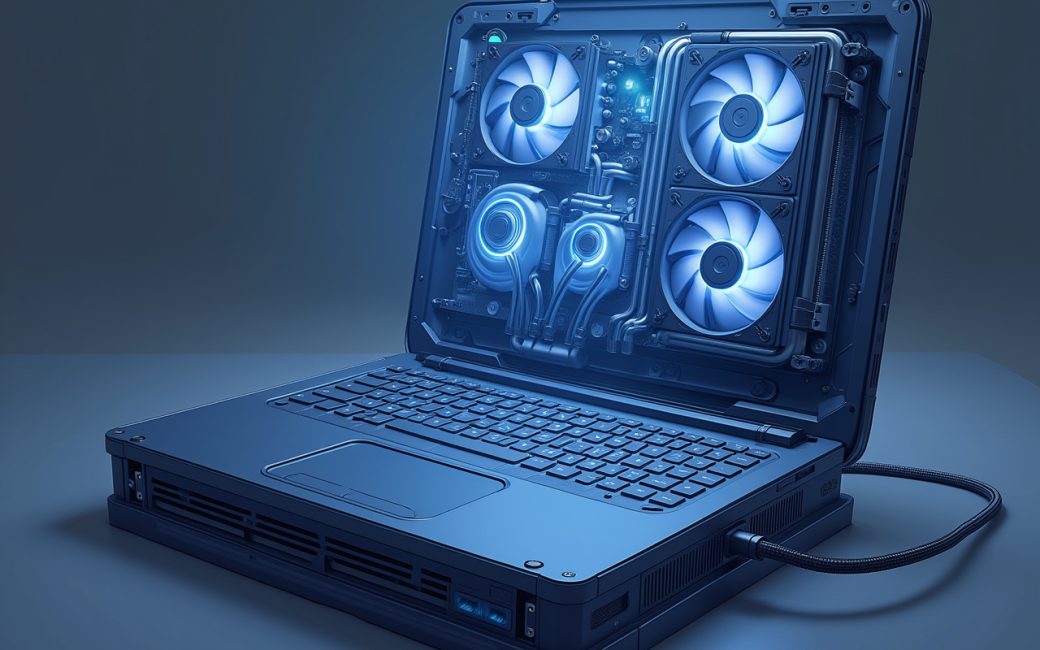
Cooling and chassis airflow determine whether a fast laptop stays fast
A gaming laptop's cooling system, not its spec sheet, decides whether the CPU and GPU inside it can actually hold their rated clocks for more than a few minutes. Laptop chassis have a fixed volume for heat pipes, vapor chambers, and fans, and that volume is set by the chassis size the manufacturer chose, not by the silicon inside it. When a 45W-class CPU and a 150W-class GPU are both asked to run at once in a chassis built for a thinner profile, the shared thermal budget gets split between them, and one or both throttle.
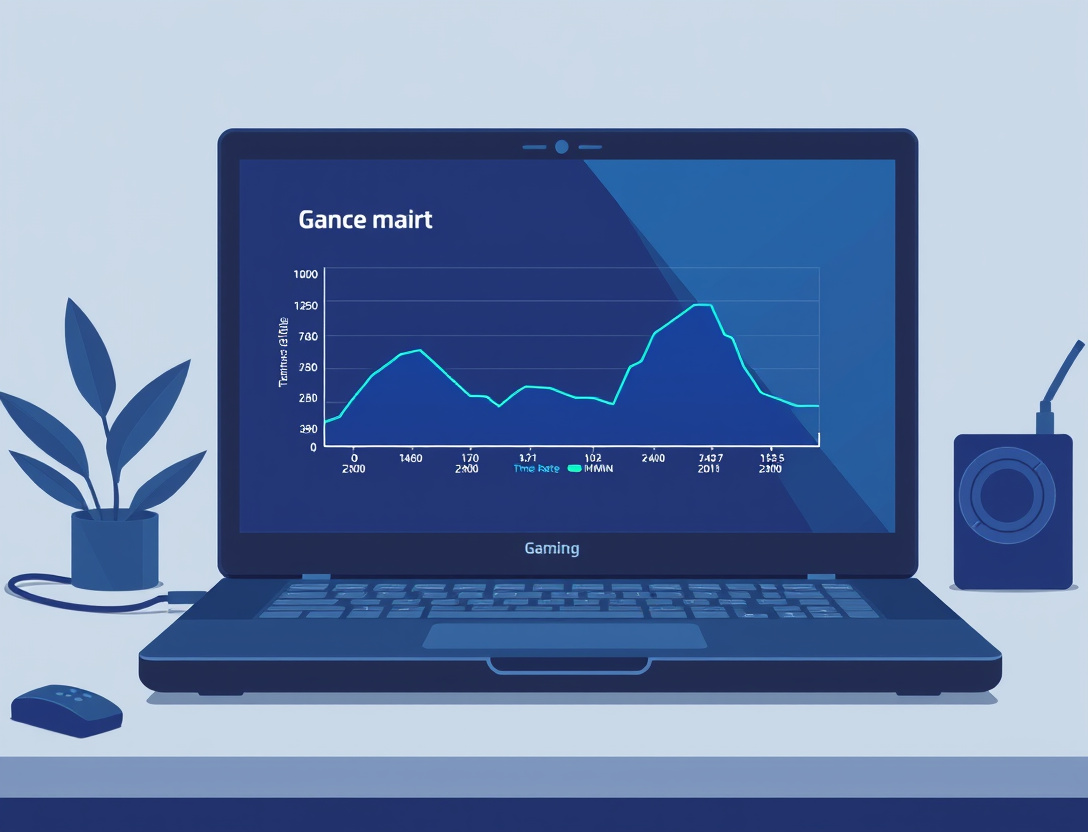
The visible symptom is a frame-rate curve that looks fine in the first two minutes of a benchmark and then drops as the chassis heats up — reviewers test for exactly this by running sustained loops rather than single passes, which is part of why outlets like Tom's Hardware and PCMag report both peak and sustained results rather than one number. A laptop that wins a short synthetic benchmark can still lose a two-hour session to throttling if its cooling can't clear heat as fast as the parts generate it.
Buyers can't add fans or swap a cooler after purchase the way desktop builders can, so the fix has to happen before checkout:
- Check whether independent reviews report sustained clocks under load, not just peak boost numbers, for the specific model and chassis (not just the GPU name).
- Favor thicker 16- to 18-inch chassis over 14-inch ultraportables when the GPU tier is high — the extra volume buys more heat pipe surface area and larger fans.
- Treat a loud fan curve as a design signal, not just a noise complaint: sustained high fan speed usually means the chassis needs it to hold clocks at all.
- Use an elevated stand or cooling pad on a hard, non-fabric surface, since intake vents on the underside are common on gaming laptops.
CPU and GPU tiers have to match inside the specific chassis
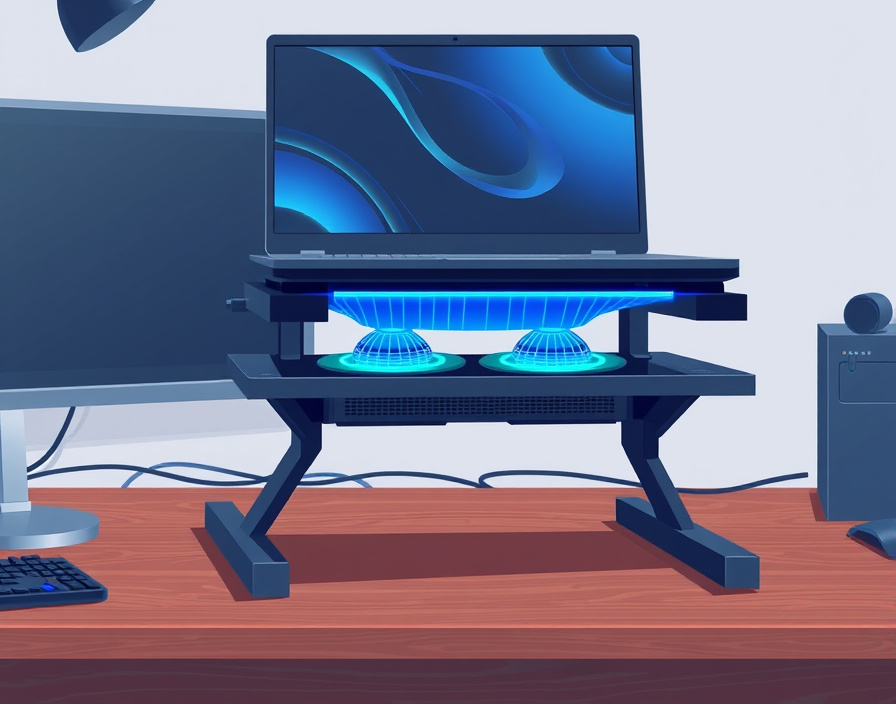
The processor and graphics chip in a gaming laptop have to be matched not just to each other on paper, but to what the chassis and power budget actually let them run at, because laptop GPUs of the identical name can be configured at very different power limits between models. Nvidia and AMD both let manufacturers set a GPU's total graphics power within a range for a given tier, so an RTX-class chip in one 15-inch laptop can run meaningfully lower wattage — and lower clocks — than the same chip in an 18-inch model, even though the spec sheet lists the same GPU name in both.
This is the laptop version of a desktop bottleneck: pairing a high-tier CPU with a GPU that's been power-limited by its chassis wastes the CPU's headroom, because the GPU can't feed it enough frames to make the CPU the limiting factor. The reverse also happens — a strong GPU throttled by an undersized cooler leaves a fast CPU idling. The only way to catch this before buying is to look past the model name to the configured wattage and the sustained benchmark result for that exact SKU, which is why side-by-side testing at matched settings (same resolution, same driver version, same game) matters more for laptops than for desktop cards with fixed board power. PCGamer's and Wired's laptop reviews generally report the configured TGP alongside the frame rate for this reason.
Setting a budget decides the tier, not the other way round
The budget a buyer sets determines which CPU and GPU class is reachable, and every other spec — display, RAM, storage — has to fit inside what's left over. Working from the price down avoids the common mistake of picking a headline GPU tier first and then discovering the display, RAM, or cooling budget got starved to pay for it.
| Budget | What it typically buys | Realistic target |
|---|---|---|
| ~$500 | Entry-level or older-generation discrete GPU, dual-channel RAM often maxed at 8–16GB, 1080p panel | 1080p at lowered settings, esports titles mainly |
| ~$700–800 | Mid-tier discrete GPU, 16GB RAM, 512GB–1TB SSD | 1080p at medium-high settings in most current titles |
| ~$1000 | Upper-mid GPU tier, 16GB RAM, faster 1080p or entry 1440p panel with higher refresh rate | 1080p high settings or 1440p at reduced settings |
| ~$2000 | High-tier GPU, larger chassis with better cooling, 1440p or higher-refresh panel | 1440p high settings, some titles pushing toward 4K |
Whether a $1000 gaming laptop is "worth it" depends on which of those rows the reader actually needs — a buyer targeting 1080p esports titles gets more of what they need at $700 than the marginal jump to $1000 buys them in that scenario, while a buyer set on 1440p ray-traced titles will find $1000 machines throttling before they finish the row above. LaptopMag's and PCMag's tested picks are organized by roughly this kind of price bracket for the same reason: the question isn't which laptop is best in the abstract, it's which bracket the budget lands in and what that bracket can sustain.
At the top end, a laptop carrying a top-tier mobile GPU (the class marketed alongside desktop RTX 5090-tier silicon) is worth its price only for a narrow use case: someone who genuinely needs desktop-class rendering performance in a portable chassis, and who has confirmed the specific model's sustained clocks rather than assuming the GPU name alone guarantees desktop-level output — because, as above, the same GPU name is configured at different power limits across chassis sizes.
Chassis size constrains the display, the cooling, and the battery together
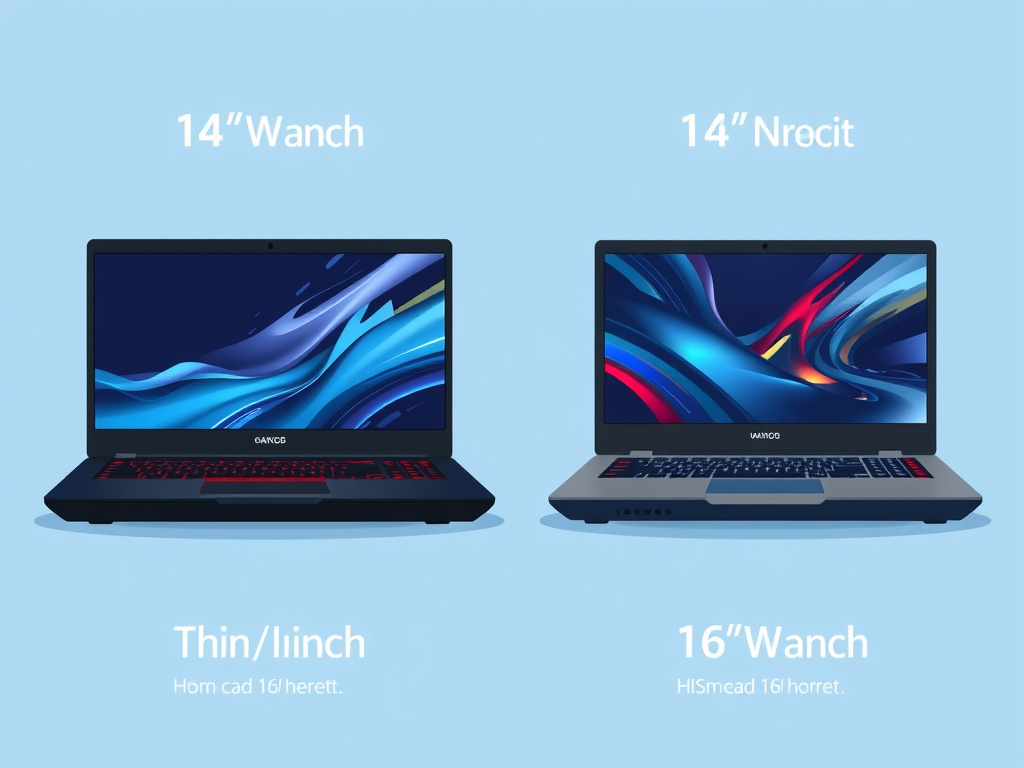
A gaming laptop's screen size is not a cosmetic choice — it sets the ceiling on cooling volume, keyboard layout, battery capacity, and often the maximum GPU tier the manufacturer offers in that line. Buyers choosing between a 14-inch, 16-inch, and 18-inch model in the same product family are choosing between three different thermal and power budgets, not three sizes of the same machine.
What the size trade-off actually changes
- 14–15-inch chassis: lightest and most portable, but GPU power is usually capped lower, and higher-tier GPUs in this size class are more likely to show sustained-clock throttling under long loads.
- 16-inch chassis: the common middle ground; most mid-to-upper GPU tiers are offered here with adequate but not maximal cooling headroom.
- 17–18-inch chassis: largest cooling volume and usually the only size offered with the highest GPU power configurations, at the cost of portability and battery life.
What to check before buying at any size
- Confirm the display's native resolution and refresh rate match the GPU tier — a high-refresh 1440p or higher panel is wasted on a GPU that can't sustain enough frames to use it, and conversely a strong GPU is capped by a 1080p/60Hz panel.
- Check the response time and panel type (OLED versus IPS-type LCD) reported in independent testing rather than the marketing spec sheet, since advertised response times and tested ones can diverge.
- Verify the laptop's own charger wattage against the GPU and CPU's combined rated power — undersized power adapters are a documented cause of a laptop failing to hit its advertised clocks on battery or even on some AC configurations.
- Weigh portability against sustained performance deliberately: a smaller chassis that throttles under load is not a discount version of a larger one, it's a different performance ceiling.
What a gaming laptop actually is
A gaming laptop is a portable computer built around the same core task as a desktop gaming PC — real-time rendering of frames for interactive software — but constrained to a single sealed chassis that has to share space between the display, keyboard, battery, cooling system, and the CPU and GPU that do the rendering work. Every choice downstream of that definition (which CPU, which GPU tier, which display, which price bracket) is really a negotiation over that shared, fixed space, which is why the checklist above keeps returning to chassis size and cooling rather than treating specs as independent line items.
Component selection: what to actually check on a listing
The core task in buying a gaming laptop is reading a spec sheet for the handful of numbers that predict real performance and ignoring the ones that don't. A listing that leads with core count or GPU name alone is incomplete; the numbers that predict actual frame rates and thermal behavior are the configured GPU wattage, the sustained-clock behavior reported in independent reviews, the display's tested refresh rate and response time, and the RAM configuration (channel count and speed, not just capacity).
Reviewers at outlets like Tom's Hardware and GamesRadar run the same games at matched settings across models specifically because the marketing spec sheet can't be trusted to predict the sustained result on its own — two laptops with an identically named GPU can post different frame rates in the same game because of the power and cooling differences described above.
Processor (CPU): what it actually does in a game
The CPU handles game logic, physics calculations, and preparing draw calls for the GPU to render — it is the part most responsible for 1% and 0.1% low frame rates (the occasional stutters) rather than the average frame rate, which is more GPU-dependent. Intel's Core and Core Ultra lines are the parts named most often in current gaming laptop listings, and within a given laptop line the CPU tier usually scales with price bracket alongside the GPU rather than independently.
A CPU that's undersized relative to its paired GPU shows up as a frame rate that plateaus regardless of resolution or settings changes — the classic sign that the CPU, not the GPU, has become the limiting part. Because laptop CPUs can't be swapped after purchase, this is a pre-purchase check rather than an upgrade path: confirm the CPU tier in a specific model is reported as keeping pace with its paired GPU in reviews of that exact SKU, not just the GPU's reputation in isolation.
Graphics card (GPU): the part most tied to resolution and frame rate
The GPU renders the frames, and it is the single spec most directly responsible for what resolution and settings a gaming laptop can sustain. In laptops specifically, the GPU's real-world output depends less on its model name than on its configured power limit and the chassis's ability to sustain that power under a real thermal load — a fact that makes the GPU the component most worth verifying against independent sustained-performance testing rather than the spec sheet name alone.
Buyers targeting a specific resolution and refresh rate should work backward: decide the target (1080p/144Hz, 1440p/high-refresh, and so on), then check which GPU tier and configured wattage independent testers report as sustaining that target in the games that matter to them, rather than picking a GPU name and assuming the resolution follows automatically.
Motherboard and platform: RAM, storage, and power delivery inside the chassis
The motherboard inside a gaming laptop is sealed and non-upgradeable in the way a desktop board is not, but it still determines which RAM speed and channel configuration the CPU and GPU can draw on, how many storage drives the chassis supports, and how power is delivered from the battery and charger to the CPU and GPU under load. Dual-channel RAM configuration (two sticks rather than one, at matched speed) is worth confirming on a listing separately from total capacity, since a single stick of RAM in a dual-channel-capable laptop leaves real bandwidth on the table that games can use.
Storage matters mainly for load times and asset streaming rather than frame rate, but a laptop's number of drive bays sets a ceiling on future storage upgrades — some chassis have a second M.2 slot a buyer can add to later, and some don't, which is worth checking before assuming storage can simply be expanded down the line. On power delivery, the included charger's wattage should comfortably exceed the combined rated power draw of the CPU and GPU at their configured limits; a charger sized too close to that combined draw is a documented reason some gaming laptops fail to sustain advertised clocks even when plugged in.
Reading a listing in this order — chassis size and cooling, then GPU configured wattage, then CPU tier, then RAM/storage/charger — turns the spec sheet from a list of numbers into a prediction of what the laptop will actually do under a real gaming session. Cross-check that prediction against a sustained-load review of the exact model before buying, since the model name alone won't tell the difference between a laptop that holds its clocks and one that throttles after ten minutes.